
- Posted on
- • Computer
How to add captions to existing videos in Brightspace D2L
- Author
-
-

- User
- Gary Fisk
- Posts by this author
- Posts by this author
-
The Brightspace by D2L learning management system has features for automatically adding captions to an existing video. It's not super obvious though how this feature can be used. Here are the steps.
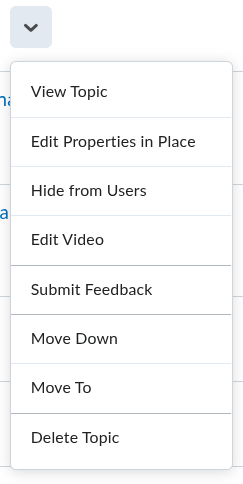
Use the “edit video” option from the drop-down menu.
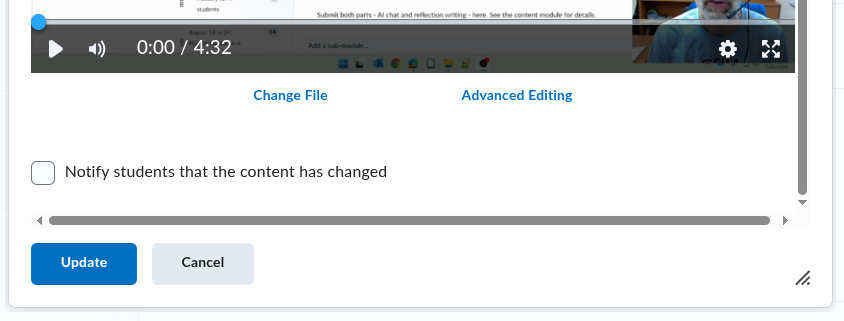
Choose “advanced editing” from the link at the bottom of the video display. (Some of my videos didn’t display the advanced editing option, but it worked when I uploaded the video file again.)
Click on “closed captions”, then click on “auto-generate.” Patience is needed because the generation process may be slow.
Close the editing window.
Press the “update” button.